S3 buckets
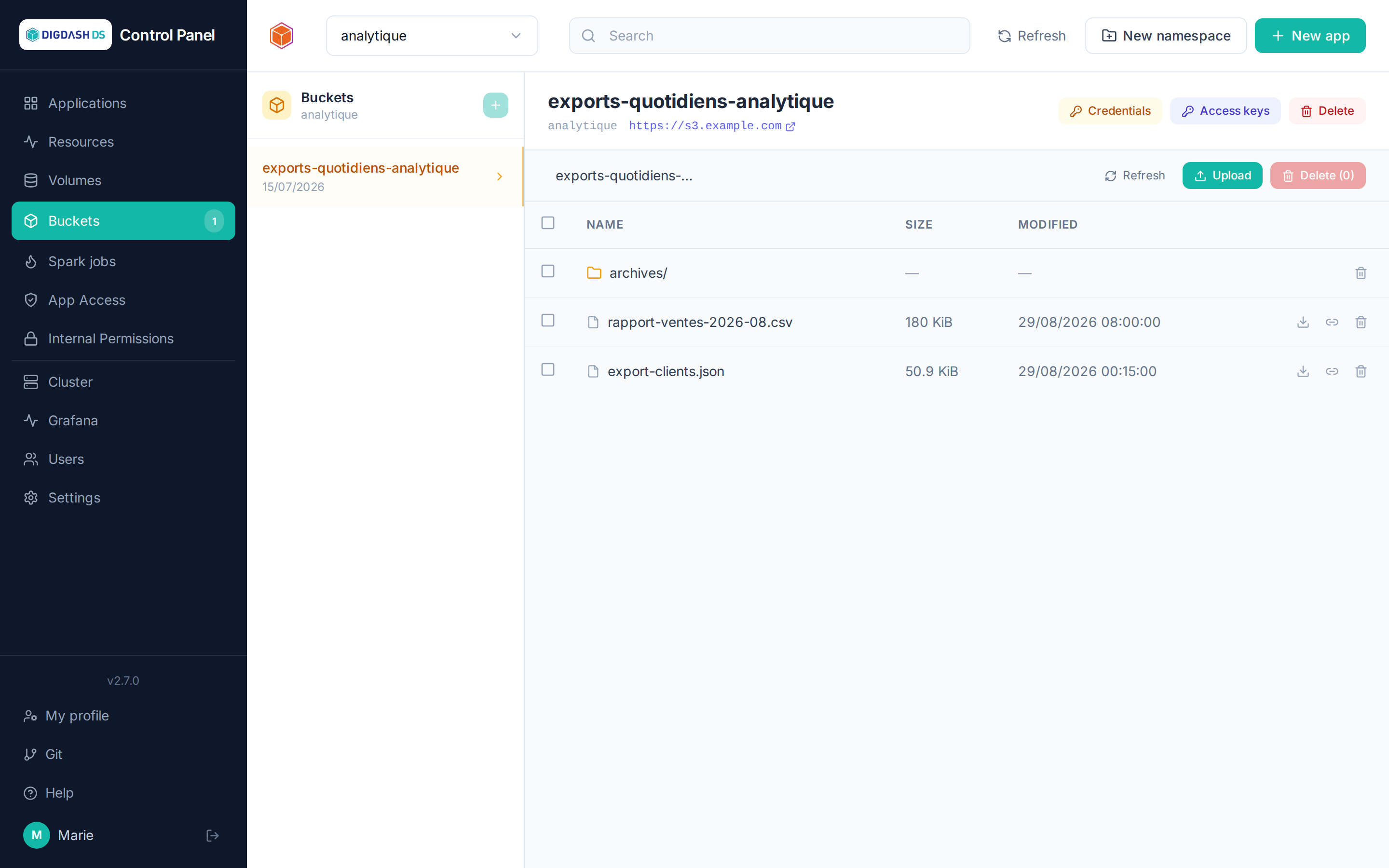
The Buckets page manages the namespace's S3 object storage (served by the cluster itself): file repositories, backup targets, data sources for Apache Hop…
Size and compression
Each bucket shows its size (sum of its objects' sizes), the size actually stored in Ceph after compression, the compression savings when there are any, and its object count. These values come from the object storage admin API (RGW) and are refreshed at most every minute; they are not shown if that API is unreachable. Without compression enabled on the Ceph side, size and stored size are identical.
Creating a bucket
New bucket → a short name (lowercase letters and digits). The bucket goes through a provisioning phase, then becomes Bound — it is then usable.
Access credentials
Each bucket exposes its S3 credentials (endpoint, access key, secret key) from its row in the list. These are the values expected by:
- the Backup section of PostgreSQL and Digdash BI;
- any external S3 client (rclone, AWS CLI, DBeaver…).
Per-application access keys
The Access keys tab lets you create additional, narrower-scoped S3 identities (read-only or read/write) to hand off to an application, rather than sharing the bucket's main credentials.
Browsing objects
A bucket's contents (files and folders) can be browsed directly from the page — useful for checking that a backup was actually written before starting a restore.
New folder creates a folder at the displayed location. Since S3 has no real folders (a folder only exists if it contains an object), the Control Panel puts an empty .keep text file in it; the folder stays visible as long as this file or another object is in it.