Secrets
The Settings → Secrets tab — access restricted to administrators of the namespace (or application) concerned.
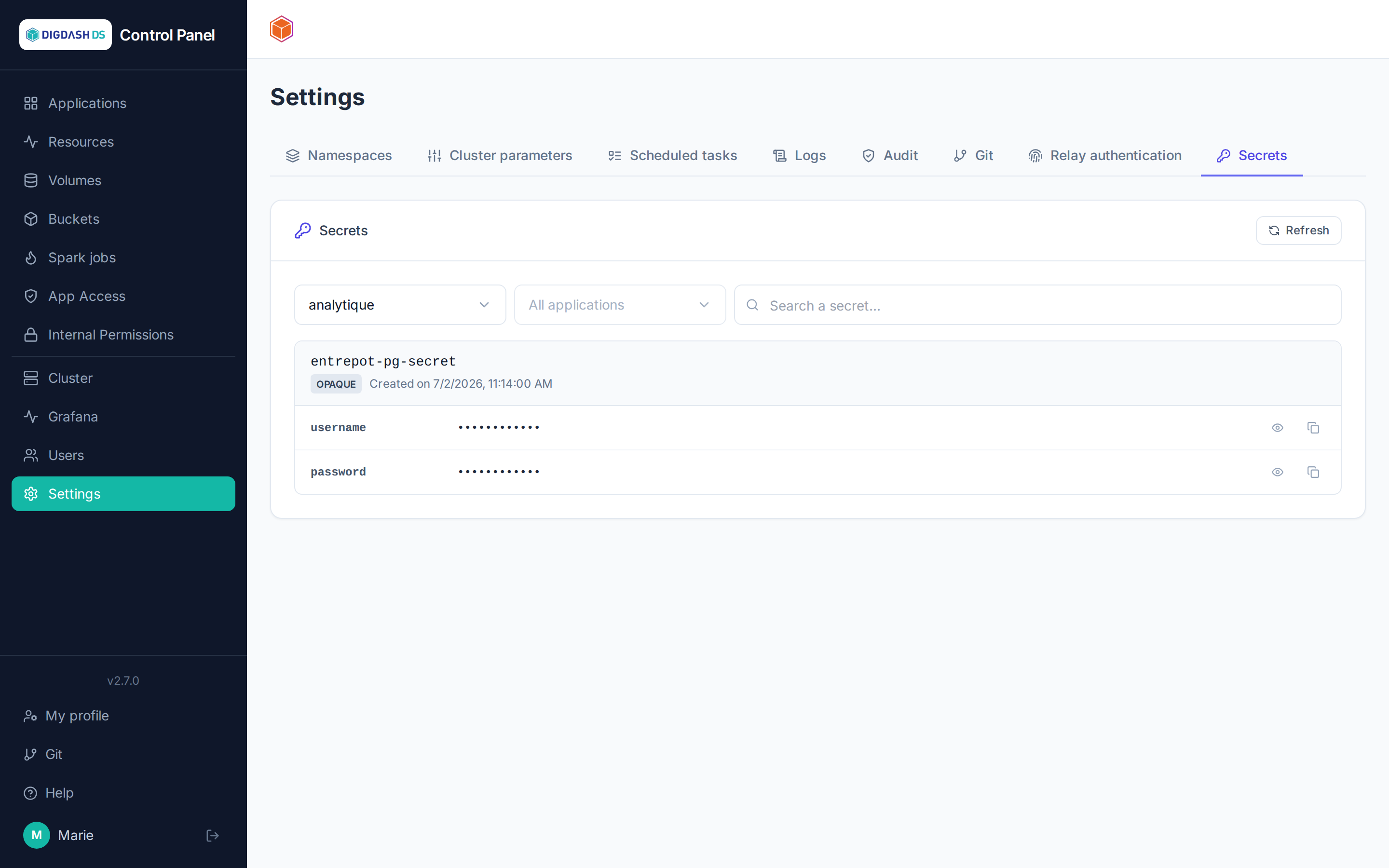
The Secrets tab lists the Opaque and basic-auth Kubernetes Secrets of a namespace (or of a single application, via the filter). OIDC secrets managed by the platform (applications' Keycloak clients) are excluded from the list — they are neither listed nor viewable here.
On-demand viewing
The list only shows each secret's key names, never their values. Clicking Show retrieves and reveals a single key's plaintext value, on demand — the value stays hidden for every other key until it is individually clicked.
Traceability
Every view (Show) and every copy (Copy) triggers its own call, logged separately in the audit trail (Settings → Audit tab) — who saw or copied which key, and when.
Copying a value
The Copy button places the value on the clipboard without necessarily showing it first — useful for pasting a password or an API key directly into another tool without exposing it on screen.
Filtering
A namespace selector and an application selector let you narrow down the list — an application administrator (without rights over the whole namespace) only sees the secrets of their own applications.