Log bundle
The log bundle is a single file that gathers the logs and the state of the platform, intended for the DigDash support team: when they need to understand an incident, this is the file they ask for. It is produced from the Logs tab (Settings, platform administrators only), with the Export the log bundle button — no command line, no access to the cluster.
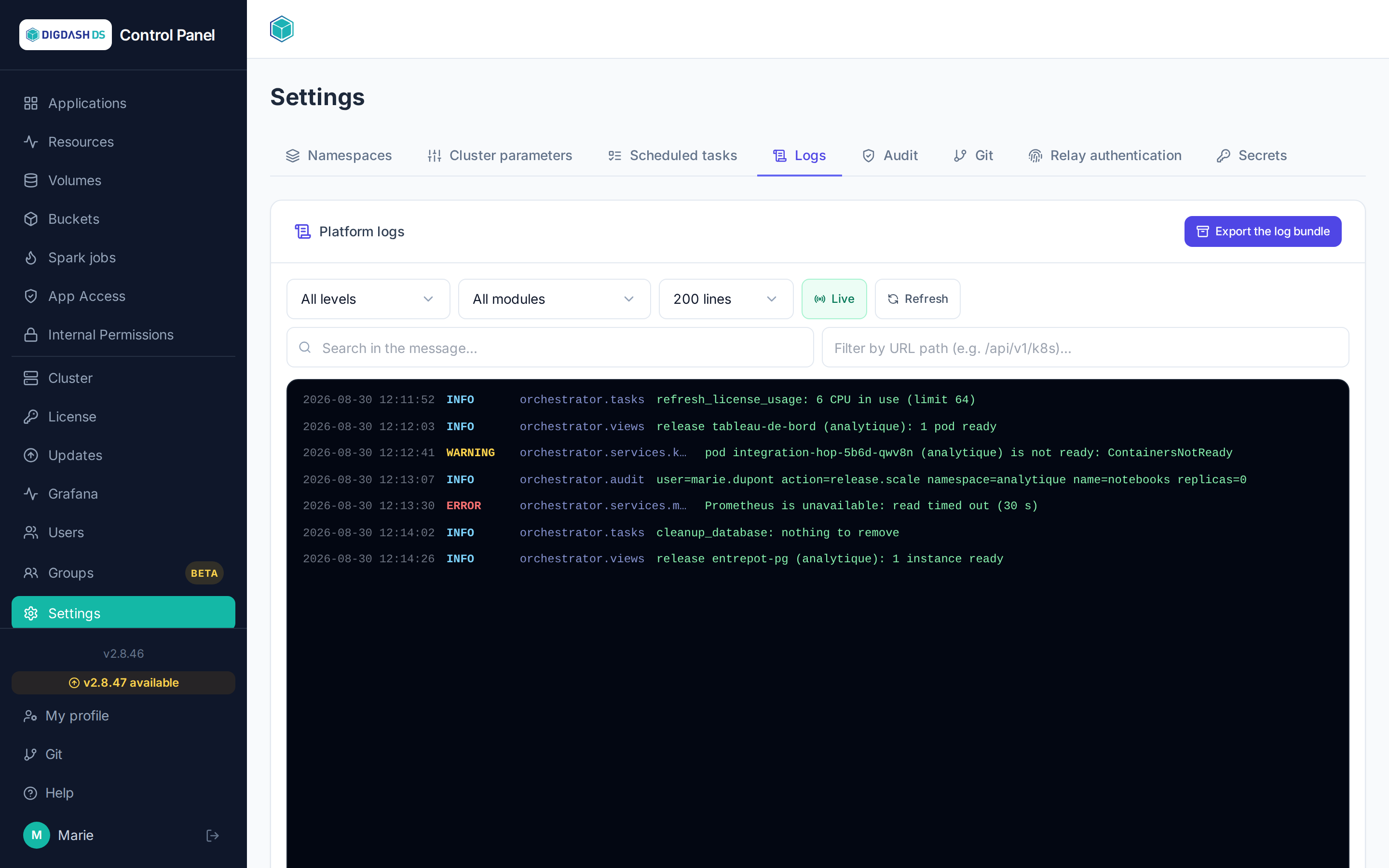
A file for the DigDash support team, and for them only
The file is encrypted: only the DigDash support team can open it. Nobody else can read its content, not even a platform administrator. It is therefore of no use otherwise, and is sent to them only.
Starting an export
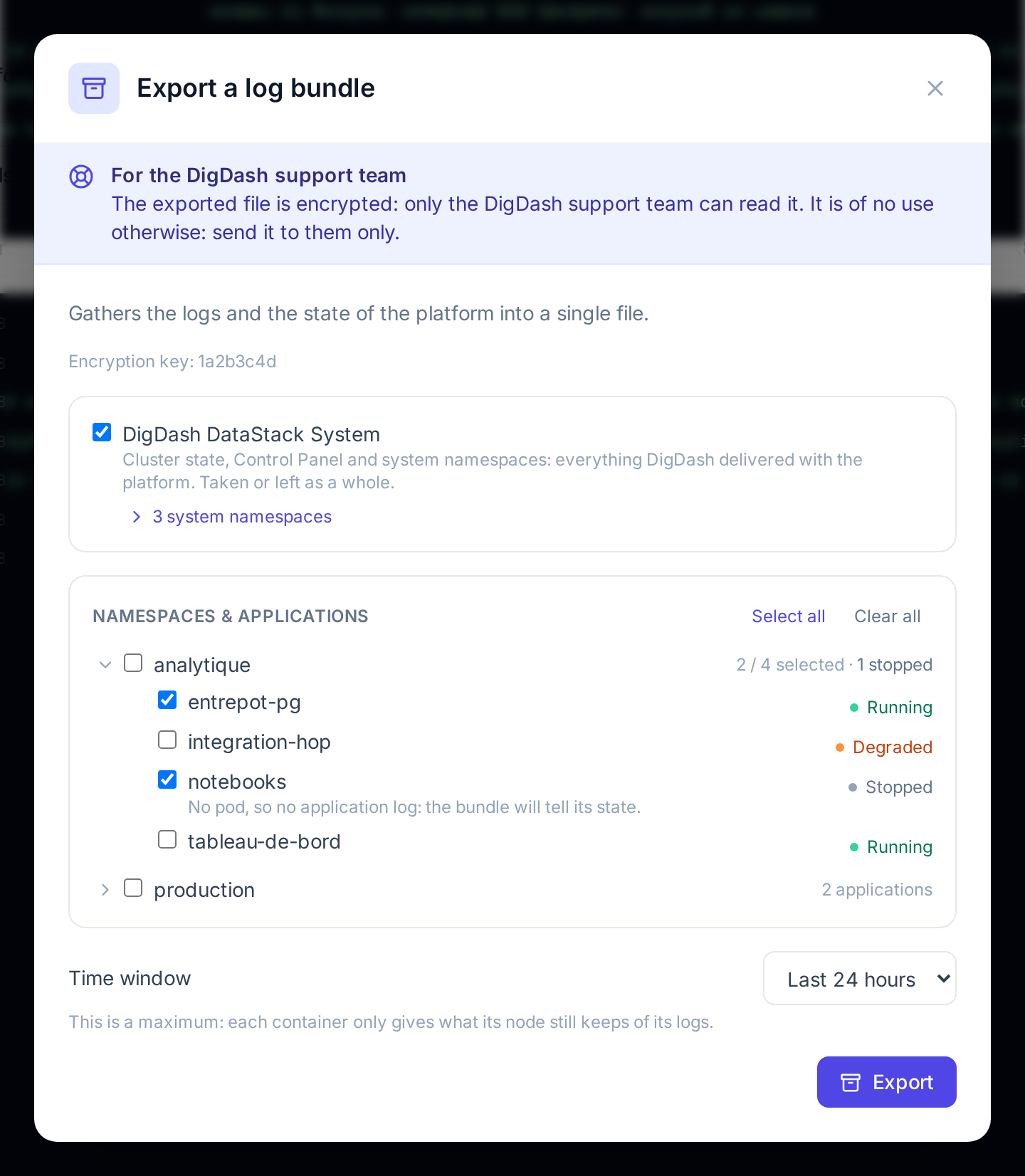
Export the log bundle opens the Export a log bundle window. It asks for two things — what the bundle must contain, and over which period — then Export starts the collection. Export stays greyed out as long as nothing is checked.
On opening, the window may show Reading the cluster: namespaces, applications and their state…: it is asking the platform what can be checked. On a large platform, this can take up to a minute. If an export is already running or ready, its progress is shown without waiting.
Scope
| Block | What it brings to the bundle |
|---|---|
| DigDash DataStack System | The cluster state, the Control Panel and the system namespaces: everything DigDash delivered with the platform. Checked when the window opens; taken or left as a whole. The N system namespaces link lists the namespaces concerned. |
| Namespaces & applications | The namespaces managed in the Control Panel and their applications. Checking a namespace takes it as a whole; the chevron on its left unfolds its applications, to check only some of them. Select all and Clear all act on all namespaces. |
Support usually says what to check. Otherwise, keeping DigDash DataStack System and adding the application or namespace affected by the incident gives a useful bundle without making it needlessly large.
Folded, a namespace shows how many applications it contains, how many are checked, and how many are stopped. Unfolded, each application carries its state:
| State | Meaning |
|---|---|
| Running | Everything the application must run is ready. |
| Degraded | Part of the application is not ready: startup in progress, pod in error… |
| Stopped | The application is stopped. It has no pod, so no log: when checked, it only brings its state to the bundle. |
Applications or states not shown
When the list of applications of a namespace cannot be read, the namespace is still offered, to be taken as a whole (Applications not listed). When it is their state that cannot be read, the applications are shown without a state.
Time window
The Time window bounds what is collected: Last hour, Last 24 hours (offered when the window opens), Last 2 days, Last 3 days or Last 7 days.
This is a maximum. Each node only keeps a limited volume of logs per container: a container that writes a lot sometimes covers only a few hours, whatever the requested period. And the logs of a pod disappear with it: after an update or a redeployment, they do not reach back beyond the creation of the new pod.
Following the collection
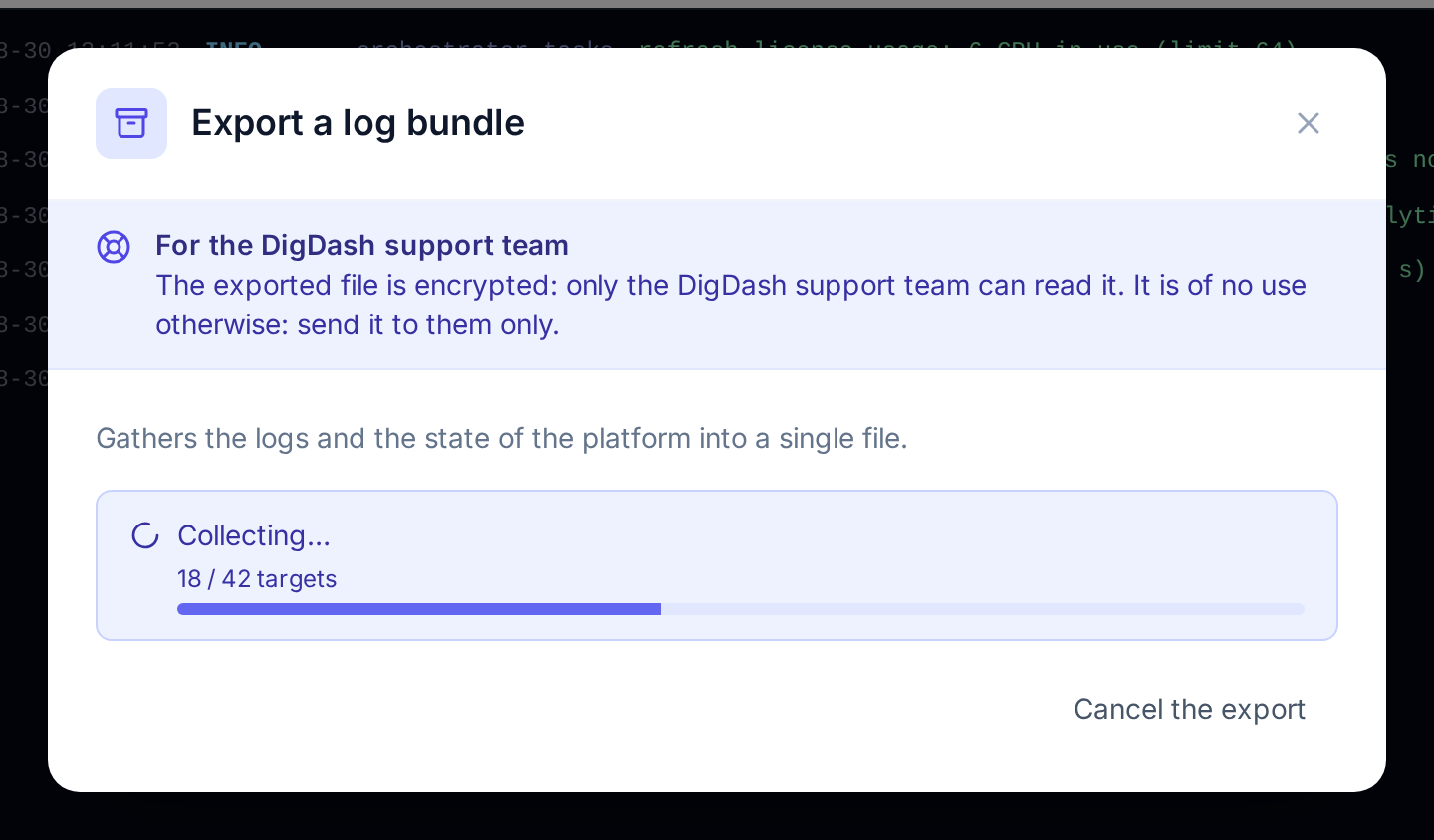
The window shows Collecting… and the progress, in processed targets. The collection takes from a few seconds to about fifteen minutes, depending on the scope.
- The window can be closed: the collection carries on on the platform, and the Export the log bundle button brings its progress back.
- Cancel the export stops the collection; nothing is kept.
- Only one export at a time on the platform. If another administrator has started one, the window shows its progress instead of the form.
Downloading the bundle
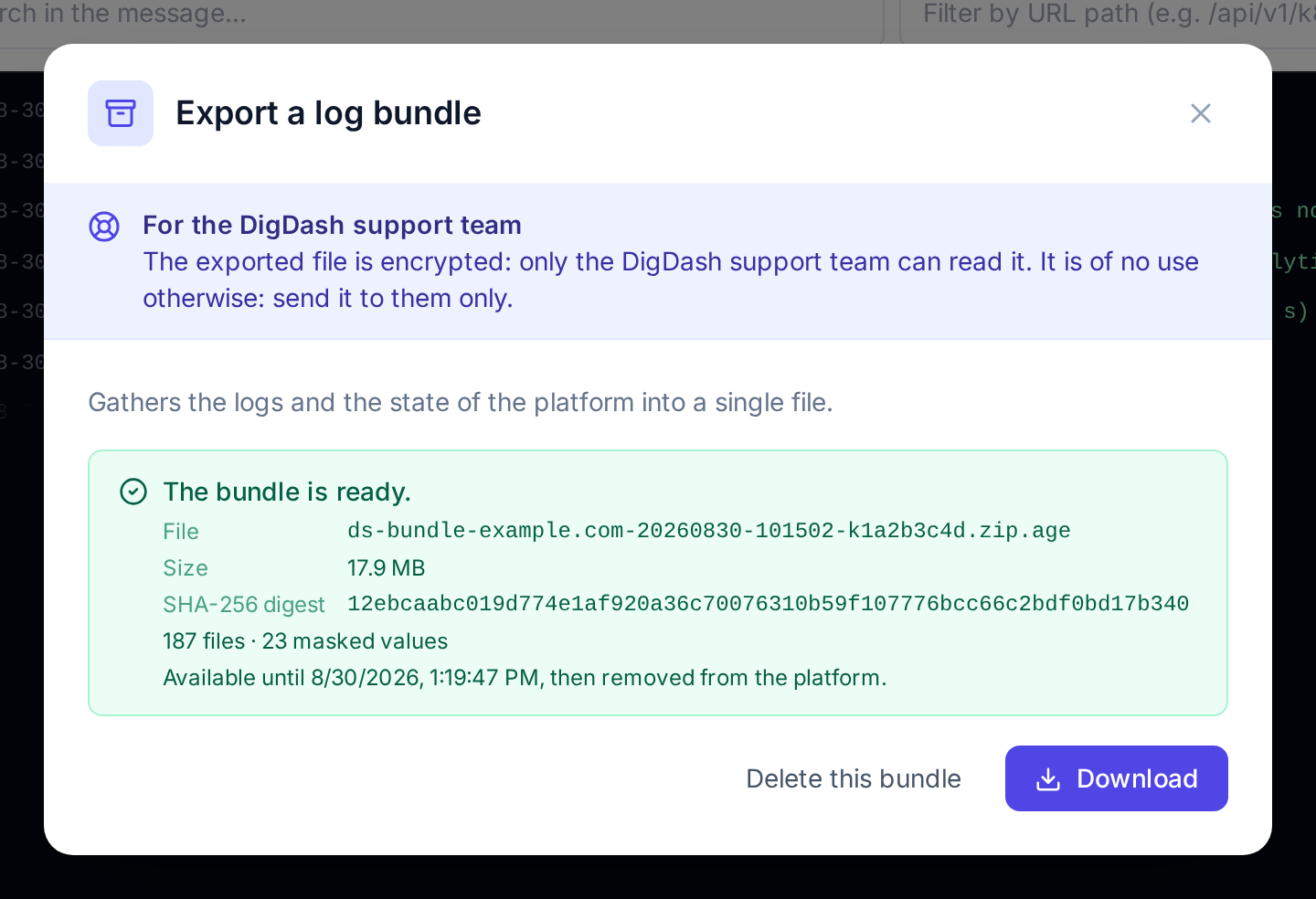
Once the collection is over, the window shows The bundle is ready. with:
| Item | Content |
|---|---|
| File | The file name, of the form ds-bundle-<platform>-<date>-k<key>.zip.age: the platform it comes from, the start of the collection (UTC time) and the encryption key used, the one the window shows before the export (Encryption key). |
| Size | The size of the encrypted file. |
| SHA-256 digest | The digest of the file, which makes it possible to check that it has not been altered. |
| N files · N masked values | The number of files in the bundle and the number of sensitive values masked (see What the bundle contains). |
| Available until… | The time at which the bundle will be removed from the platform: one hour after it was produced. |
Download hands the file to the browser, which checks it against its digest before saving it to the downloads.
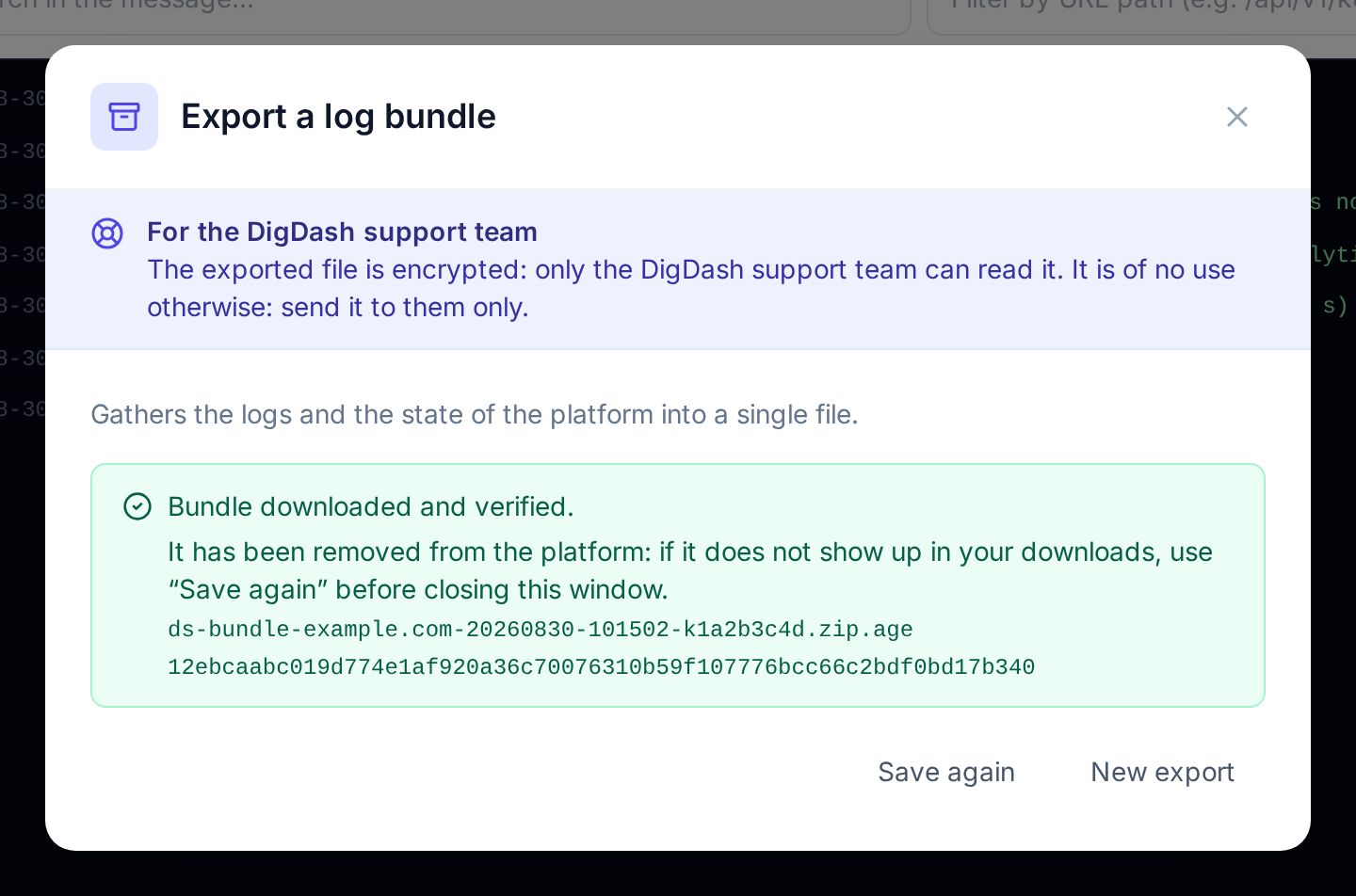
| Message | What happened | What to do |
|---|---|---|
| Bundle downloaded and verified. | The file is intact, and it has been removed from the platform. | If it does not show up in the browser downloads, Save again before closing the window: once it is closed, a new export is needed. |
| Bundle downloaded. This browser could not verify its integrity… | The file is saved, but the browser could not check it — this is the case when the Control Panel is opened over HTTP rather than HTTPS. The bundle stays on the platform, for one hour at most. | Compare the digest shown with that of the received file (sha256sum on Linux, shasum -a 256 on macOS, Get-FileHash on Windows), then Remove from the platform. |
| The received file does not match the announced digest and was not saved… | The received file is not the one the platform produced: the transfer altered it. The bundle is still on the platform. | Click Download again. |
Nothing stays on the platform
The bundle is removed as soon as it has been downloaded and verified, and in any case one hour after it was produced. As long as it is there, the window shows it to every platform administrator; to start another export, it must first be downloaded or erased with Delete this bundle.
Sending the file to support
The .zip.age file is sent as is to the DigDash support team, through the usual support channel. It is better not to rename it: its name tells support which platform it comes from and which key opens it.
What the bundle contains
| Scope | Content |
|---|---|
| DigDash DataStack System | State of the nodes, journal of their kubelet and of their container runtime; events of the cluster; active alerts, alerts that fired during the period and alerting rules in error; installed versions; version, update channel and license state of the Control Panel, its audit log, the results of its tasks over the period (one line per distinct result, with its number of occurrences), its latest updates; events, description and logs of the pods of the system namespaces. |
| A namespace or an application | Events and alerts of the namespace; for each application, its Helm release (name, chart, version, status), the state of its components (replicas, databases, last requested stop or start), the description and logs of its pods — including those of the previous container after a restart — and the requests the gateway received for it, including those it could not hand to any route. |
The bundle never contains: Kubernetes secrets, the configuration values of the applications (Helm values, ConfigMap content, values of the environment variables — only the names of the variables are kept), the kubeconfig, the content of the license.
Throughout the bundle, the values recognised as sensitive are replaced with [REDACTED]: passwords, tokens, access keys, authentication headers and cookies, credentials in a URL, private keys. Their number is shown with the ready bundle (masked values).
Masking is a precaution, not a guarantee
The logs are taken as the applications wrote them: they may contain business data (names, identifiers, queries). This is why the file is encrypted and intended for the DigDash support team only.
If the export does not complete
| What is shown | Cause | What to do |
|---|---|---|
| Greyed-out button and Export unavailable: no encryption key is configured on this platform… | The support encryption key was not installed with the platform. | Contact DigDash support: the key is set when the infrastructure is installed, not from the Control Panel. |
| Unable to read the exportable scope. | The platform could not query the cluster. | Try again. |
| The export failed. | The collection was interrupted — the technical message is shown — or it stayed five minutes without progress. | New export. If the failure repeats, reduce the scope and pass the message on to support. |
| This export no longer exists: it was abandoned or has expired. | The export was cancelled during the collection, from another window or by another administrator. | Start a new export. |
Traceability
Every export and every download is recorded in the audit logs, with its author: actions log_bundle.export and log_bundle.download.