Aller au contenu

Lakehouse: Apache Iceberg, Trino and JupyterHub

Six catalog templates together form a lakehouse on the platform's S3 buckets: an Apache Iceberg table catalog (implemented by Apache Polaris), the distributed SQL engine Trino, JupyterHub notebooks, a Spark Connect server, an MLflow tracking server and Apache NiFi for ingestion. Deploy the catalog first, then the rest in any order, in the same namespace.
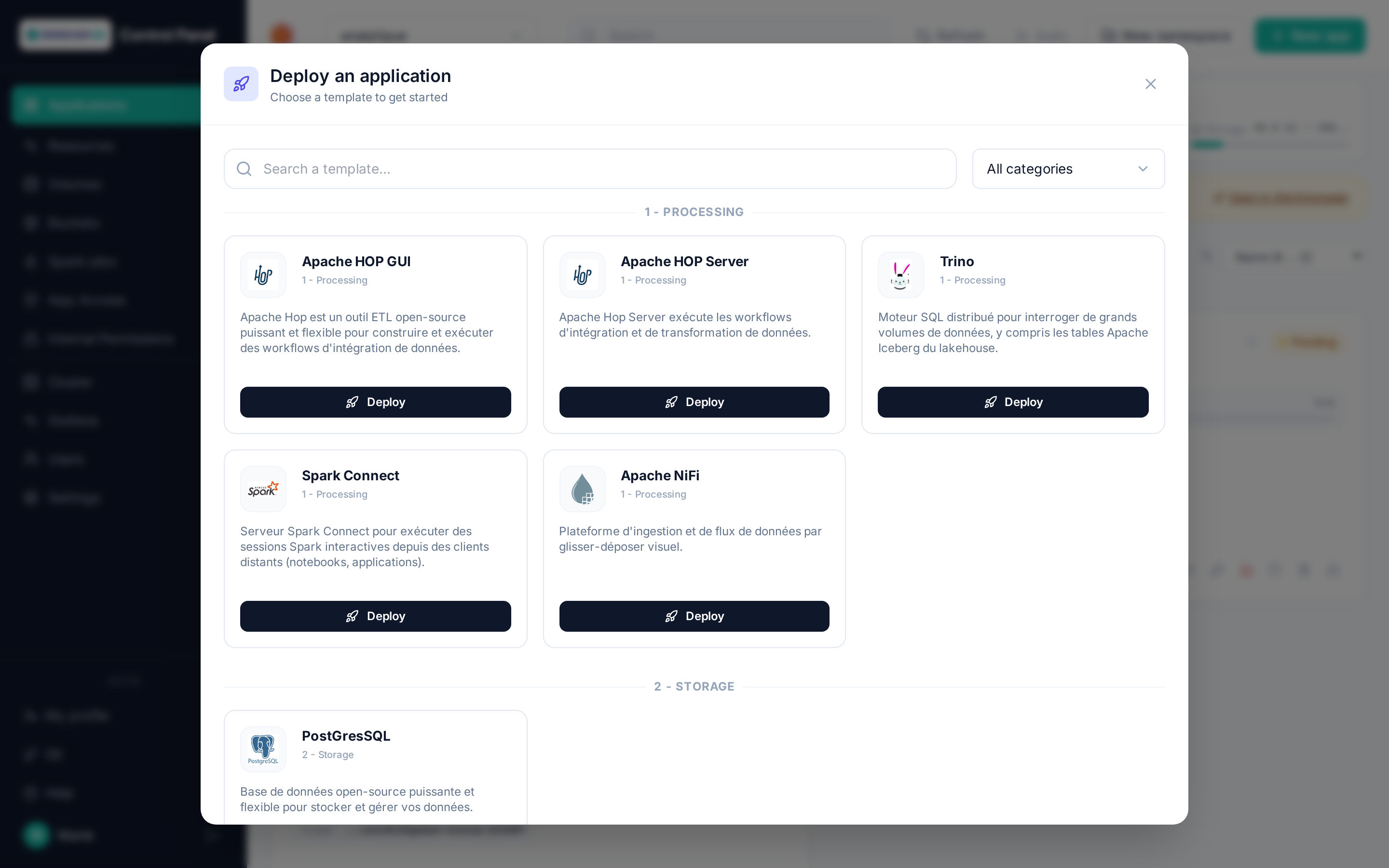
Lakehouse catalog (Processing, Governance, Data Science categories)

flowchart LR
    B[(S3 bucket<br/>warehouse)]
    P[Apache Iceberg<br/>Polaris catalog]
    T[Trino]
    J[JupyterHub]
    S[Spark Connect]
    M[MLflow]
    N[Apache NiFi]
    T -- metadata --> P
    J -- metadata --> P
    P -- metadata files --> B
    T -- Parquet data --> B
    J -- data --> B
    J -- Spark Connect --> S
    S -- metadata --> P
    S -- data --> B
    J -- runs --> M
    M -- artifacts --> B
    N -- ingestion --> B

Apache Iceberg (Polaris catalog)

The Apache Iceberg template (Governance category) deploys an Iceberg REST catalog — Apache Polaris — backed by a PostgreSQL database (CloudNativePG) created alongside it.

Field Role
Warehouse S3 bucket (Storage tab, required) Bucket that will hold tables and metadata. Picking a namespace bucket fills in endpoint, region and access keys automatically.
Iceberg catalog name lakehouse by default: the warehouse that Trino, Spark or PyIceberg refer to. Fixed at creation.
Polaris realm POLARIS by default, one realm per instance. Fixed at creation.
Memory / CPU limit, PostgreSQL storage size Capacity of the server and its database.

On deployment, two tasks run automatically: realm initialization (credentials of the root principal), then creation of the catalog on the bucket with the required grants. The card turns Running before they finish — allow one or two extra minutes before the catalog is usable.

Catalog credentials

Engines authenticate to the catalog with the root principal, kept in the namespace secret <name>-root-principal (keys clientId, clientSecret, catalogUri, catalogName) — see Secrets. The catalog does not vend temporary S3 credentials (no STS on the platform's object storage): every engine uses its own bucket keys, hence the S3 fields repeated in the Trino and JupyterHub templates.

The REST API is exposed at https://<name>-<namespace>.<domain>/api/catalog (authenticated calls only — no web UI).

Trino

The Trino template (Processing category) deploys a Trino coordinator and workers with a lakehouse catalog pre-wired to the chosen Apache Iceberg instance.

Field Role
Apache Iceberg (Polaris) catalog (required) Apache Iceberg instance of the same namespace. Fixed at creation.
Iceberg catalog (warehouse) Catalog name on the Polaris side (lakehouse by default).
Warehouse S3 bucket (Storage tab) The same bucket as the catalog's: select it to fill in endpoint, region and keys.
Number of workers, Coordinator / per-worker memory Capacity. Pod memory must stay ≥ 3 Gi (JVM heap fixed at 1.4 GB, plus off-heap).

Sign-in uses your platform account (OpenID Connect): the web UI https://<name>-<namespace>.<domain>/ui/ as well as SQL clients (trino --server https://… --external-authentication, JDBC with externalAuthentication=true). As with Apache Hop, access is granted from Access to the users or groups you choose — see Access and permissions.

Example, once signed in:

CREATE SCHEMA lakehouse.sales;
CREATE TABLE lakehouse.sales.orders AS SELECT 1 AS id, 'test' AS label;
SELECT * FROM lakehouse.sales.orders;

Parquet files and Iceberg metadata appear in the bucket under <schema>/<table>-<uuid>/.

JupyterHub

The JupyterHub template (Data science category) gives every user their own JupyterLab server, with a personal persistent volume and sign-in through the platform account. Whoever deploys the instance becomes its administrator (/hub/admin).

Field Role
Notebook image / Version Jupyter image of user servers (ds/jupyter-datastack by default: JupyterLab + Spark Connect, PyIceberg, Trino and MLflow clients).
Max CPU / memory per user, Storage per user Capacity of each server; the volume is created at first start.
Apache Iceberg catalog, Trino, Spark Connect, MLflow (Lakehouse tab, optional) Instances of the same namespace to pre-wire into notebooks (environment variables).
S3 bucket (Storage tab, optional) S3 keys exposed to notebooks (AWS_*).

Variables available in every notebook when the corresponding service is set:

Variable Content
POLARIS_URI, POLARIS_WAREHOUSE, POLARIS_CREDENTIAL, POLARIS_SCOPE Iceberg REST catalog and clientId:clientSecret credentials
TRINO_HOST Trino coordinator (name:8080, namespace-internal access)
SPARK_REMOTE, MLFLOW_TRACKING_URI Spark Connect and MLflow (if deployed)
AWS_ENDPOINT_URL, AWS_REGION, AWS_ACCESS_KEY_ID, AWS_SECRET_ACCESS_KEY S3 access to the warehouse

Example with PyIceberg:

import os
from pyiceberg.catalog.rest import RestCatalog

catalog = RestCatalog(
    "lakehouse",
    uri=os.environ["POLARIS_URI"],
    warehouse=os.environ["POLARIS_WAREHOUSE"],
    credential=os.environ["POLARIS_CREDENTIAL"],
    scope=os.environ["POLARIS_SCOPE"],
    **{"s3.endpoint": os.environ["AWS_ENDPOINT_URL"],
       "s3.access-key-id": os.environ["AWS_ACCESS_KEY_ID"],
       "s3.secret-access-key": os.environ["AWS_SECRET_ACCESS_KEY"]},
)
print(catalog.list_namespaces())

One JupyterHub instance per namespace

The chart supports a single JupyterHub per namespace; a second deployment is refused with an explicit message. User servers idle for one hour are stopped automatically (the personal volume is kept).

Spark Connect

The Spark Connect template (Processing category) deploys an Apache Spark server in local mode (executors inside the pod) exposed through the Spark Connect protocol: notebooks and PySpark clients of the namespace share a single Spark installation, already configured on the chosen Apache Iceberg catalog. No public route (gRPC protocol, namespace-internal).

Field Role
Apache Iceberg (Polaris) catalog (required) Instance of the same namespace; default Spark catalog lakehouse. Fixed at creation.
Warehouse S3 bucket (Storage tab) The same bucket as the catalog's: select it to fill in endpoint, region and keys.
Spark cores, Spark (driver) memory, Pod memory limit Capacity (local[N]); keep ~1 Gi of headroom between Spark memory and the pod limit.
Require a connection token Shared token (spark.connect.authenticate.token), kept in the <name>-platform secret. Off by default.

From an attached JupyterHub notebook (SPARK_REMOTE pre-filled) or any pyspark-client of the same minor version as the server:

from pyspark.sql import SparkSession
spark = SparkSession.builder.remote(os.environ["SPARK_REMOTE"]).getOrCreate()
spark.sql("CREATE TABLE lakehouse.demo.t (x INT) USING iceberg")
spark.sql("SELECT * FROM lakehouse.demo.t").show()

MLflow

The MLflow template (Data science category) deploys an MLflow tracking server: experiments, runs and model registry in a PostgreSQL database (CloudNativePG) created alongside it, artifacts served by the server on an S3 bucket. Web access is protected by the platform login (the MLflow server has no authentication of its own): as with Apache Hop, allowed users and groups are managed from Access.

Field Role
Artifacts S3 bucket (Storage tab, required) Bucket (and prefix, mlflow by default) of the artifacts. Fixed at creation.
Server processes Number of server workers.
Memory / CPU limit, PostgreSQL storage size Capacity.

From an attached notebook (MLFLOW_TRACKING_URI pre-filled, internal access without login): import mlflow; mlflow.set_tracking_uri(os.environ["MLFLOW_TRACKING_URI"]); mlflow.log_metric("accuracy", 0.99). Artifacts go through the server: notebooks don't need S3 keys.

Apache NiFi

The Apache NiFi template (Processing category) deploys a NiFi 2 node (no ZooKeeper) with platform-account sign-in: whoever deploys the instance is the initial administrator and authorizes other accounts from the NiFi UI (Users / Policies menu). The flow and repositories (FlowFiles, content, provenance, state) live on a persistent volume.

Field Role
JVM heap, Memory / CPU limit Capacity; keep ~1 Gi of headroom between the heap and the limit.
Volume size Repositories and flow. Fixed at creation.

End-to-end TLS

NiFi 2 only listens on HTTPS: an internal certificate is generated at deployment and verified by the platform gateway. The first start takes 1 to 3 minutes (extension loading).

Batch Spark jobs (Spark Operator)

For standalone or scheduled Spark processing (outside an interactive Spark Connect session), the Spark jobs page of the sidebar launches and follows batch jobs in the current namespace, through the Kubeflow Spark Operator installed on the platform: each job is a Kubernetes SparkApplication resource of the namespace (or a ScheduledSparkApplication for a cron schedule); the operator launches the driver then the executors as pods and cleans up at the end. The Spark jobs button of a Spark Connect card opens the same page, filtered on that instance as profile.

Scheduled jobs and Spark job history

Launching a job

New job opens the form:

Spark job launch form

Field Role
Profile A Spark Connect instance of the namespace: the job reuses its Spark image (Iceberg jars included), its registry secret and the configuration of its Apache Iceberg / S3 catalog (default catalog of the session). Without a profile, give an explicit Spark image (and its registry secret).
Source The job's main file: a PySpark script typed in directly, an S3 file (bucket of the namespace + object path; endpoint and keys filled by the bucket picker), or a file from a Git repository on Forgejo (instance, repository, branch, path — cloned with your personal token, see Git). A main class (advanced options) switches to a Scala/Java job on a .jar.
Name Kubernetes identifier of the job (lowercase letters, digits, dashes) — suggested from the file.
Sizing Driver cores and memory, number of executors, cores and memory per executor.
Advanced options Arguments, extra Spark properties (spark.*), retention of the resource after completion — in hours, 168 (7 days) by default.

The driver runs with the namespace's spark service account (CPU/memory limits set on every container, as the namespace quota requires); S3 and Git sources are fetched by an initContainer (aws s3 cp / git clone) into a volume mounted on /opt/job, the typed script through a sparkjob-<name> ConfigMap. Credentials (catalog, S3, Git) stay in namespace Secrets, never in the form annotated on the resource.

Follow-up

The history lists the jobs of the namespace with their state (SUBMITTED, RUNNING, COMPLETED, FAILED…), source, profile and duration; it refreshes by itself while a job is active. For each job:

  • Detail and logs: driver/executor pods and the last lines of the driver, live while the job runs;
  • Relaunch as is: a new <name>-<suffix> resource from the original form (profile re-resolved, so image and configuration are up to date); Relaunch with changes reopens the pre-filled form;
  • Cancel (active job) stops driver and executors; Delete (finished job) removes the resource and its logs.

The usual roles apply: read for a viewer, launch/cancel/delete for an operator, scheduling for a namespace admin.

Scheduled jobs

Schedule a job reuses the launch form with a cron expression (5 fields), a time zone, a concurrency policy (forbid overlaps, allow, replace) and the number of runs kept. Each schedule can be run now, suspended then resumed, or deleted; its runs show up in the history with the ⏱ marker of the schedule name.

Without the UI

The resources remain manageable with kubectl -n <namespace> get sparkapplications: a hand-made job shows up in the history (cancel/delete possible, but no relaunch without an original form). On a cluster without Docker Hub access, the initContainer images can be overridden in Cluster settings: SPARK_JOB_GIT_IMAGE (default alpine/git) and SPARK_JOB_S3_IMAGE (default amazon/aws-cli).

Namespaces created before the operator

The spark service account is created with every namespace and checked at every launch; for namespaces older than the operator installation, the installation creates it too (or python manage.py ensure_spark_rbac on the ControlPanel side).

Deletion

Deleting a Trino, JupyterHub, MLflow or NiFi instance also removes its OpenID client from the platform; deleting Spark Connect touches nothing else. Deleting the Apache Iceberg catalog removes its PostgreSQL database and secrets, but not the bucket files: the tables remain readable by a new catalog pointing at the same location, or can be cleaned up from the Buckets page.