Control Panel
The DigDash Control Panel is the management portal for the data platform: deploy, monitor and administer applications (PostgreSQL, Digdash BI, Apache Hop, nginx…) on the platform's Kubernetes cluster, without touching Kubernetes directly.
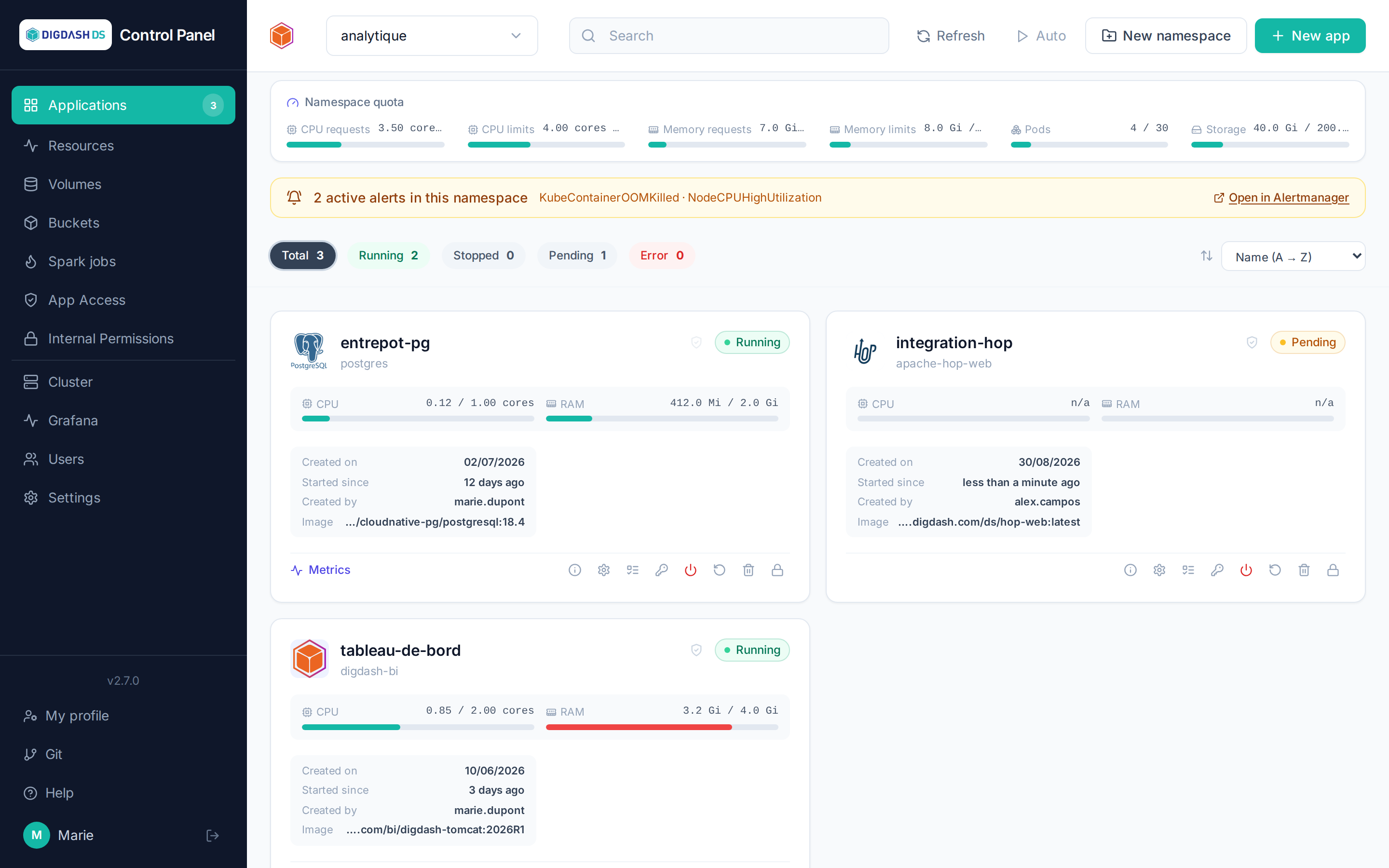
What you can do
| Need | Where to go |
|---|---|
| Deploy an application from the catalog | Deploying an application |
| Adjust CPU, memory, environment variables | Configuring an application |
| Back up and restore a database | Backup and restore |
| Manage persistent volumes and S3 buckets | Volumes · S3 buckets |
| Grant a colleague access to an application | Access and permissions |
| Create user accounts | Users |
| Host and share Git code internally | Git |
| Administer namespaces, quotas and settings | Settings |
First steps
New to the platform? Start with Getting started: sign-in, interface tour and your first deployment in five minutes.
Search
Use the search bar at the top of this documentation to jump straight to a page or concept (e.g. "quota", "snapshot", "OIDC").