Git
The platform hosts an internal Git server (Forgejo), used in particular as a project source for Apache Hop. Two entry points:
- Git (bottom of the sidebar): your personal Git account — accessible to everyone;
- Settings → Git: administration of the Forgejo instance itself — platform administrators only.
My Git account
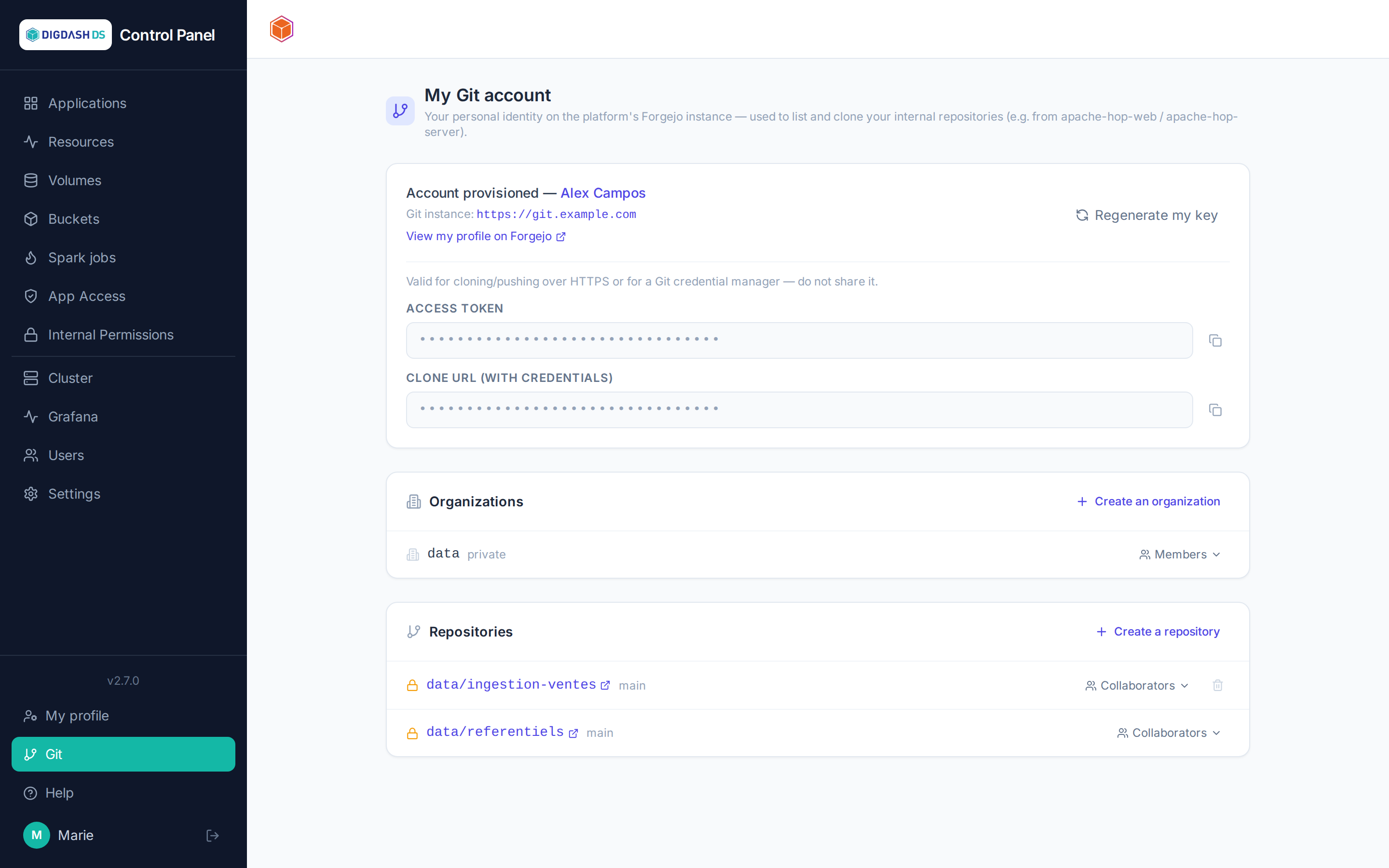
On first visit, your Forgejo identity is provisioned automatically. The page shows:
- a link to your Forgejo profile;
- your personal access token: show it to use in a
git clone https://user:token@…or a credential manager. Regenerate my key creates a new one if the old one is lost or compromised; - your organizations and your repositories.
Repositories and organizations
- Create an organization: a space for grouping repositories, of which you become the owner.
- Create a repository: personal or within one of your organizations, private by default, initialized with a main branch — immediately usable as the Git source of an application, notably Apache Hop.
- Collaborators (on a repository): add a platform user with a
read,writeoradminlevel — autocomplete searches by name or username. - Members (on an organization): add members, who get full rights on the organization's repositories.
- Delete a repository: only possible if you administer it; irreversible.
Instance administration (Settings → Git)
The Forgejo instance is unique for the whole platform. From this tab, an administrator can:
- deploy it if it doesn't exist yet (the generic catalog refuses any second instance);
- monitor it and configure it like a standard application (resources, restart, details).
Shared instance
Changing the Forgejo instance's resources restarts the Git service for all users of the platform — do this knowingly.